
Learn digital learning strategies, online classroom engagement methods, and proven steps to hold student attention online.
Students Engaged in the Digital Age
Keeping students engaged in the digital age requires a new way of thinking. Screens shape habits. Notifications fragment focus. Short videos train the brain to expect instant rewards. Learning now competes with entertainment every second.
If you teach, mentor, train, or guide, you see the impact daily. Participation drops. Silence grows. Cameras stay off. Responses arrive late. Many learners feel disconnected even while logged in.

This guide gives you clear systems, not slogans. You will find steps that work in classrooms, coaching programs, professional training, medical education, and self-paced courses. Every strategy here focuses on action.
When you design for students engaged in the digital age, you design for focus, motivation, and retention.
Why Student Engagement Looks Different Today
Engagement once depended on physical presence. Teachers read body language. Students followed classroom rhythms. Attention followed structure.
Digital spaces changed this.
Learners now move between apps in seconds. One tap leads to messages, reels, games, or news. Each platform trains the brain to seek novelty. Long explanations feel heavy. Passive formats feel distant.
A 2022 Microsoft study showed average focused attention dropped below 8 seconds. Platforms built on short-form video train rapid reward cycles. This rewires expectations.
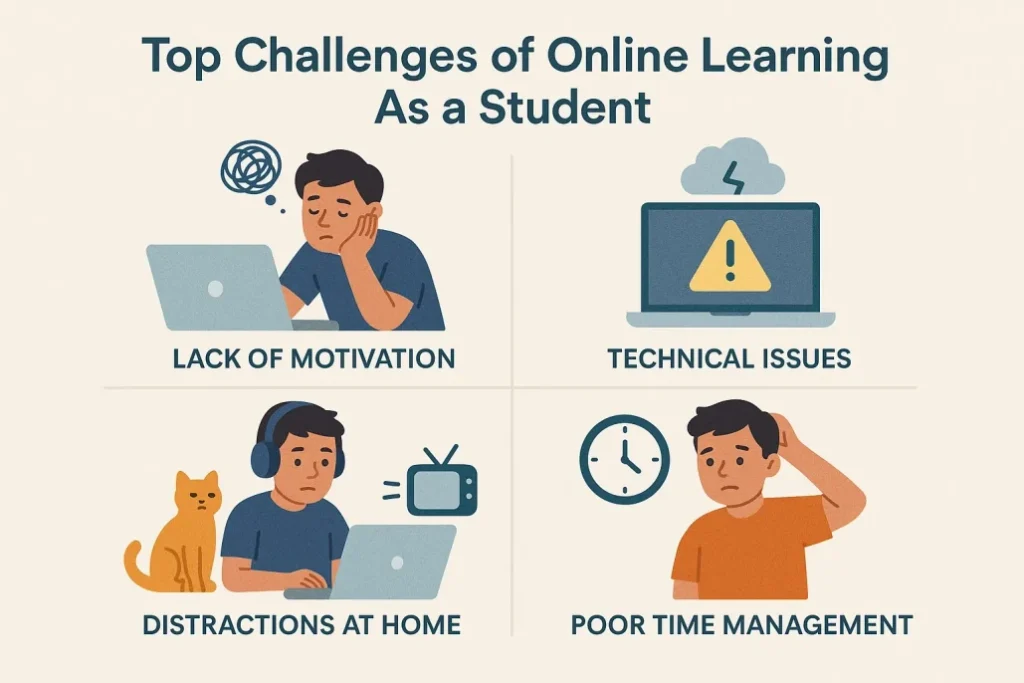
Learning faces new obstacles:
• Fewer social cues
• More isolation
• Higher distraction
• Lower accountability
Authority alone no longer holds attention. Design now leads.
Brain Responds to Digital Learning
The brain follows patterns. Digital habits shape those patterns.
Dopamine spikes from scrolling train short reward loops. Long-term memory weakens when information arrives without context or action. Passive consumption lowers retention.
A National Training Laboratories study showed retention rates differ widely:
• Lecture: 5 percent
• Reading: 10 percent
• Audio-visual: 20 percent
• Demonstration: 30 percent
• Group discussion: 50 percent
• Practice: 75 percent
• Teaching others: 90 percent
Engagement rises with action.
Digital Engagement
This section focuses on systems you apply today.
Main Points
- Design lessons for action, not watching
Watching feels easy. Learning requires effort.
Replace long explanations with tasks.
• Polls every 7 minutes
• Chat prompts
• One-question checks
• Micro discussions
• Short reflections

Example
A science teacher in Pune replaced 45-minute lectures with 8-minute blocks. Each block ended with one prompt. Participation rose from 41 percent to 86 percent in two weeks.
- Use short learning blocks
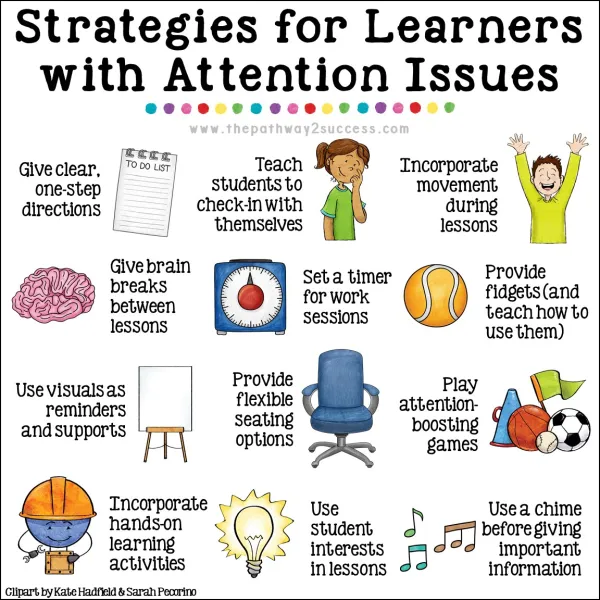
Digital learners focus in bursts. Long sessions drain energy.
Break lessons into blocks.
• One idea per block
• One example per block
• One task per block
Example
Instead of one long accounting lesson, split it into five blocks: income, expenses, tracking, saving, and review.
Each block lasts 6 to 9 minutes.
- Turn content into challenges
Challenges force thinking.
Formats that work:
• Fix the mistake
• Rank the options
• Predict the result
• Solve the case
• Build a quick plan
Example
A medical trainer shared patient symptoms and asked students to select the appropriate treatment steps. Completion rose by 29 percent.
- Show visible progress
Motivation grows when progress feels real.
Use:
• Progress bars
• Weekly checklists
• Milestones
• Learning maps
Duolingo built growth on streaks and goals. Daily return rates crossed 60 percent.
- Use real stories
Stories anchor memory when they reflect daily life.
Avoid abstract examples.
Use:
• Workplace conflicts
• Budget mistakes
• Health scenarios
• Career choices
Example
Instead of teaching formulas, show how a freelancer mishandled income and fixed it.
- Let students teach
Teaching strengthens memory.
Ways to apply:
• Peer summaries
• Group demos
• Short presentations
• Voice explanations
A Harvard study showed peer instruction raised test scores by 26 percent.
- Design for mobile first
Over 70 percent of learners use phones.
Design for:
• Vertical layouts
• Large fonts
• Short paragraphs
• Simple navigation
Avoid heavy files.
- Add purpose-driven gamification
Gamification works when tied to mastery.
Use:
• Skill levels
• Scenario paths
• Mastery milestones
Example
A nursing course added scenario levels. Dropout rates fell by 31 percent.
- Build emotional safety
Fear blocks learning.
Support safety with:
• Anonymous questions
• Low-risk quizzes
• Clear expectations
• Supportive feedback
Students speak more when the risk feels low.
- Give fast feedback
Speed shapes learning loops.
Use:
• Auto-graded tests
• Inline notes
• Quick audio replies
Carnegie Mellon research found that fast feedback increased retention by 19 percent.
- Offer structured choice
Choice builds ownership.
Offer:
• Topic options
• Format options
• Pace options
A math platform added three tracks. Completion rose by 40 percent.
Digital Learning Strategies
This section gives deeper systems.
- Use question-first design
Start with a question, not a definition.
Questions trigger curiosity.
Example
Instead of starting with “What is inflation?” Start with “Why does your money buy less every year?”
- Use prediction loops
Ask learners to predict outcomes.
Prediction creates stakes.
Example
Show a business case. Ask students to predict profit before revealing results.
- Use contrast
Contrast sharpens focus.
Show:
• Right versus wrong
• Before versus after
• Strong versus weak
- Use spaced repetition
Spaced learning strengthens memory.
Revisit key ideas across days.
Example
Review core points after 24 hours, then after 3 days, then after 7 days.
- Use retrieval practice
Testing strengthens memory more than rereading.
Short recall tasks work best.
Tools That Support Online Classroom Engagement
Tools matter when they solve real problems.
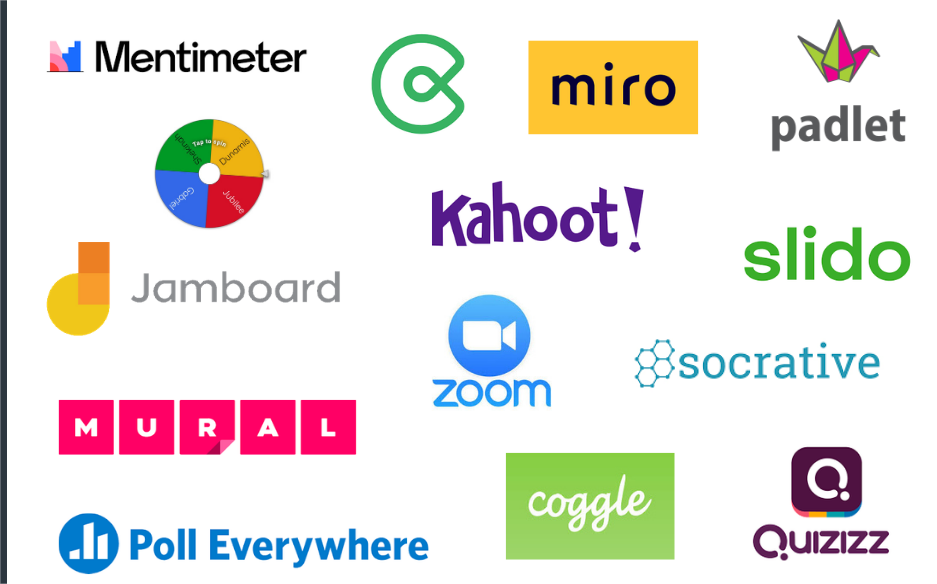
Interactive tools
Kahoot, Quizizz, Nearpod
Collaboration tools
Google Docs, Miro, Padlet
Video tools
Edpuzzle, Loom, Flip
Learning systems
Moodle, Canvas, Google Classroom
How Teachers Build Strong Digital Presence
Presence drives trust.
Use names often
Smile on camera
Ask direct questions
Share brief stories
Respond fast
How Parents Support Engagement at Home
Home shapes habits.
Set fixed study hours
Reduce background noise
Review weekly goals
Ask open-ended questions
Example
A family introduced weekly planning talks. Homework completion rose by 33 percent.
Measuring Engagement
Track behavior.
Completion rates
Time on task
Quiz accuracy
Participation count
Return visits
Case Study
An online academy serving 1,200 students faced high dropout rates. Rates reached 49 percent.
They applied:
Short lessons
Weekly challenges
Peer teaching
Progress dashboards
Results after 60 days:
Retention rose to 84 percent
Attendance rose by 36 percent
Test scores rose by 23 percent
How Young Professionals Learn Best Online
Young professionals learn with goals in mind. They want skills that lead to income, promotions, or career shifts. Long, theory-heavy lessons lose their interest.
Design learning around outcomes.
Use task-based modules
Each module should answer one question.
What skill will you use after this?
Examples:
• Write a client email
• Build a simple budget
• Analyze a report
• Prepare a pitch
Use real workplace cases
Abstract ideas fade fast.

Use:
• Missed deadlines
• Poor communication
• Bad budgeting
• Team conflicts
Example
A project management course replaced definitions with real task breakdowns. Completion rose by 34 percent.
Use peer accountability
Peer groups raise effort.
Use:
• Study pods
• Weekly check-ins
• Shared goals
How Medical and Healthcare Learners Stay Engaged
Medical learners need accuracy, speed, and clarity. They value scenarios more than slides.
Use case-based learning
Present symptoms first. Then ask questions.
Example
Instead of teaching hypertension theory, show a patient case.
Use decision trees
Decision paths mirror real practice.
Use spaced drills
Short drills repeated over time improve recall.
Use error-based learning
Errors teach faster than perfection.
How Beginners Learn New Business Skills
Beginners feel fear. Fear blocks action.
Reduce cognitive load
Avoid complex language.
Use step ladders
Break tasks into tiny steps.
Show progress fast
Early wins build momentum.
Example
A small business course added a “First sale in seven days” challenge. Dropout fell by 41 percent.
Classroom Systems
Systems beat motivation.
Use opening rituals
Start with the same pattern.
Example
Question, poll, short recap.
Use closing rituals
End with reflection.
Use weekly themes
Themes add structure.
Use visible roadmaps
Roadmaps reduce anxiety.
Mistakes That Break Digital Engagement
Avoid these traps.
Talking nonstop
Ignoring chat
Vague instructions
Late feedback
No structure
Teacher Scripts That Raise Participation
Words shape behavior.
Use direct prompts
“Type one word that describes this.”
Use time-bound tasks
“You have 30 seconds.”
Use names
Names raise attention.
Parent Playbook for Digital Learning for students engaged in the digital age
Parents shape habits more than tools.
Create a learning zone
One space. At the same time.
Use weekly reviews
Short talks work better than lectures.
Praise effort
Effort builds resilience.
Institutional Framework for Engagement
Institutions need systems.
Design standards
Set clear engagement rules.
Train teachers
Tools without training fail.
Track behavior
Behavior reveals truth.
Iterate monthly
Small changes add up.
Deep Case Study
A blended learning school with 2,300 students saw falling engagement.
Problems:
Low participation
Late submissions
High stress
They applied:
Short blocks
Daily polls
Peer teaching
Progress dashboards
Weekly feedback
Results after 90 days:
Attendance rose by 39 percent
Submission rates rose by 44 percent
Average scores rose by 19 percent
How to Design a High-Engagement Lesson
Follow this structure.
Hook
One question
Context
Why this matters
Content
Short block
Task
Apply now
Feedback
Instant response
Reflection
One takeaway
How to Keep Students Engaged in the Digital Age at Scale
Scale requires systems.
Use templates
Automate feedback
Build content banks
Train mentors
Track metrics
Engagement Metrics That Matter: Students engaged in the digital age
Avoid vanity metrics.
Completion
Return rate
Participation
Accuracy
Task depth
Long-Term Motivation Systems
Motivation fades. Systems last.
Goal ladders
Skill maps
Public progress
Peer groups
Reflection loops
Conclusion
Keeping students engaged in the digital age depends on design, not discipline. Attention follows relevance. Participation follows safety. Retention follows action.
You shape every part of this experience. Lesson length. Task structure. Feedback speed. Emotional tone. Each choice compounds.
Apply these systems one by one and measure results. Adjust fast. Build momentum.
When you design for students engaged in the digital age, you build learning that lasts.
Contact us for more articles on AI-based technology. A complete roadmap will guide you in adopting skills.
FREQUENTLY ASKED QUESTIONS
What does it mean to keep students engaged in the digital age?
It means designing learning experiences that hold attention, promote action, and support memory through interaction and relevance.
Why do students lose focus online?
Digital platforms train short reward cycles. Passive formats fail to compete.
What tools support online classroom engagement?
Kahoot, Nearpod, Padlet, Flip, and Google Classroom support interaction and feedback.
How long should online lessons last?
Most learners focus best between six and ten minutes per block.
How do teachers measure engagement?
Track participation, completion, time on task, and accuracy.
How do parents support digital learning?
By setting routines, reducing noise, and reviewing goals.
What increases retention the most for students engaged in the digital age?
Practice, teaching others, and fast feedback.